Grand Theft Auto VI: Xbox Cloud and Remote Play guide
An Xbox Wire guide explains how to play GTA VI via Xbox Cloud Gaming and Remote Play on phones, PCs and handheld gaming PCs.
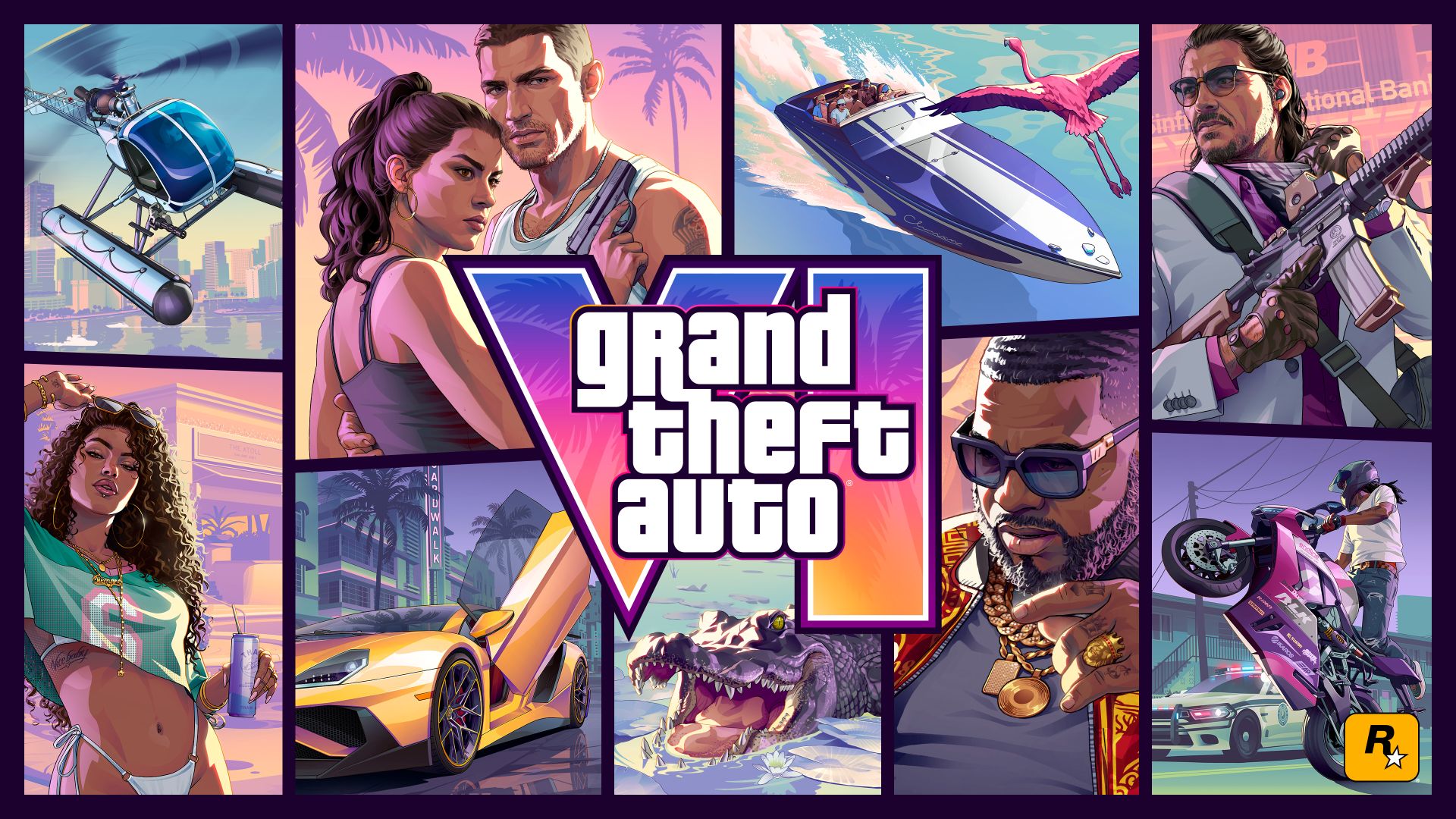 Image: Xbox WireNews
Grand Theft Auto VI supports Xbox Cloud Gaming, according to an Xbox Wire guide published on November 23, 2026. The post explains how to play the game from the cloud and through Remote Play, so players without a current-gen console can still get in.
Cloud streaming works on Xbox One or Xbox Series X|S, which is handy for saving hard drive space. Select Game Pass plans include up to 15 play hours per month, and extra cloud time can be bought. Cloud play uses Xbox Series S graphics settings. To start, open the guide with the Xbox button, search for the game, choose Manage, then See in Microsoft Store, and press Play With Cloud. A wired Ethernet connection is recommended where possible.
Remote Play streams from an Xbox Series X|S to a phone, laptop, PC or a handheld such as the ROG Ally. On the console, enable remote features under Settings, Devices & connections, Remote features. Phones use play.xbox.com/remoteplay, while PCs use the Accessories & remote play menu in the Xbox app. Both methods require a copy of the game from the Xbox Store, giving players more flexibility if storage is tight or they want to play away from the TV.
Related news
All news Image: PlayStation BlogNews0:31
Grand Theft Auto VI hits 39 million players on PS5
Source: PlayStation Blog
 Image: Rockstar GamesLaunch0:31
Grand Theft Auto VI is officially out now on PS5 and Xbox Series X|S
Source: Take-Two Interactive Basın Bülteni
- Image: Rockstar GamesLaunch0:52
When does GTA VI open? Local midnight in your country, plus pre-load and prep
Source: Rockstar Destek: bölgesel ön yükleme ve çıkış saatleri