At a glance
- Genre
- Battle royale and multi-mode platform
- Platform
- PC, PlayStation, Xbox, Nintendo Switch and mobile; crossplay supported (Epic)
- Pricing model
- Free to play; optional V-Bucks (November 2026, Epic store page)
- Current version
- Chapter 7, Treasure Hunters mini-season (v43.00, 1 November 2026)
- Turkish support
- Yes: Turkish text (Epic store page); no audio language
What Fortnite is and where it stands in 2026
#Fortnite is Epic Games' free-to-play title. It started as a battle royale (last one standing wins), but today it is less a single game than a platform: different modes, community-made islands and separate experiences such as music and racing all sit under one account. This guide covers the most-played core experience, Battle Royale.
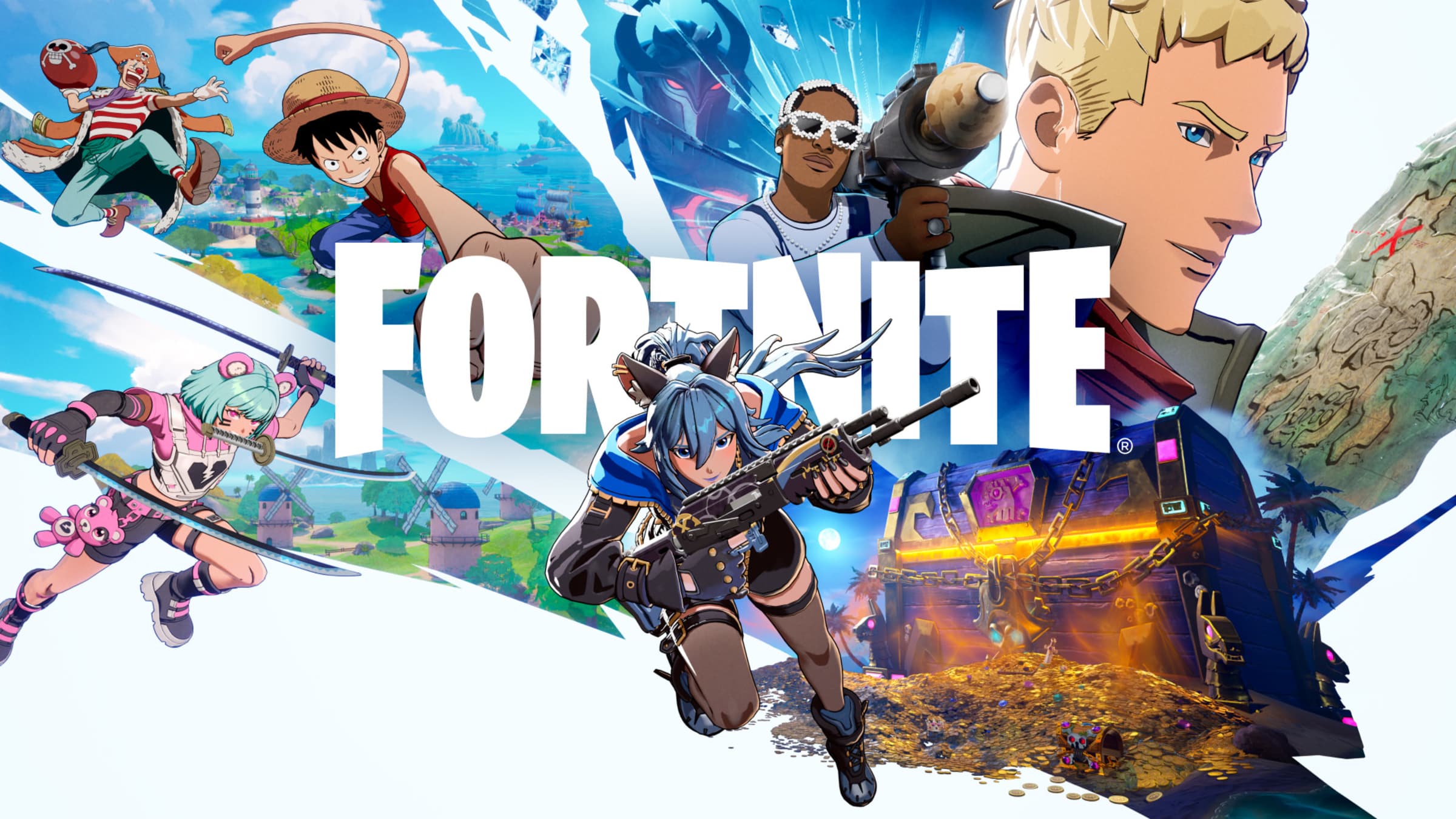
In November 2026 the game is in the Chapter 7 "Treasure Hunters" mini-season. According to Epic's announcement it began on 1 November with update v43.00, bringing the new Crossbones Isle area, a One Piece collaboration and captains who change weekly. Epic confirmed the Chapter 7 end event for Saturday, 5 December 2026; what follows had not been officially announced on the day this guide was written.
Before you start: account, install, requirements
#You need a free Epic Games account to play. If you play on PC, Epic's official help page gives the following hardware.
- Minimum: Intel HD 4000 or Radeon Vega 8 graphics, Core i3-3225 processor, 64-bit Windows 10 22H2.
- Recommended: a GeForce GTX 960 or Radeon R9 280 class DirectX 11 graphics card (2 GB video memory), Core i5-7300U or Ryzen 3 3300U, 16 GB RAM, NVMe SSD, 64-bit Windows 10 or 11.
- For the Epic preset: an RTX 3070 or RX 6700 XT class card (8 GB video memory) and a Core i7-8700 or Ryzen 7 3700X.
- Install size: Epic's requirements page and store page do not give a disk size; it is not officially stated. Check the size shown in the launcher before installing.
- Turkish: Epic's store page lists Turkish among text languages; there is no audio language (N/A).
- Crossplay: Epic counts Fortnite as a game that supports crossplay across PC, PlayStation (PS4, PS5), Xbox (Series S and X), Nintendo (Switch and Switch 2) and mobile. For cross-progression, logging in with the same Epic account is the basis; account-linking details are not officially announced.
Your first matches, step by step
#- Start with a no-building mode
In Zero Build you do not need to put up walls and ramps. It is the gentlest entry for learning aiming, movement and the storm.
- Choose where to land
When jumping from the Battle Bus pick a spot away from the crowds. The first goal is to loot without dying.
- Collect a weapon, shield and healing
Get at least two weapons and a healing item. Items of a rarer color are generally stronger; being able to fight with what you hold is enough.
- Stay ahead of the storm
Check the map often and head toward the safe circle early. Staying in the storm deals damage and exposes you.
- Take one lesson from each match
When you die ask one question: did I have to take that fight? Fixing one thing per match is enough.
Modes and where to start
#Below are the main modes seen on Epic's official pages. When a mode is available can vary by season; the in-game menu is always the right list.
| Mode | Who it suits |
|---|---|
| Battle Royale | The classic experience, building included. Best learned later on. |
| Zero Build | The build-free version; the best start for new players. |
| Ranked Battle Royale | The ranked version; once the basics are solid. Rewards and rank icons are refreshed at the start of a season. |
| Reload | According to Epic's store page, a 40-player Battle Royale mode with classic weapons and a tighter map; suits those who want shorter matches. |
| LEGO Fortnite | For those who prefer exploring, building and survival over fighting. |
| Fortnite Festival | A separate music-based experience for rhythm fans. |
| Creative / UEFN | For those who want to design their own island or game; it can be restricted separately in parental settings. |
Core mechanics
#Three things always matter in Fortnite: movement, resources and position. Even when the meta items change, this trio stays constant.
- Movement: running, sliding and climbing are not only for getting around but for leaving enemy fire. A player running in a straight line at constant speed is an easy target.
- Resources: in the building mode, gathering materials (wood, stone, metal) is part of being fight-ready. Zero Build drops this job; healing and shields take its place.
- Position: high ground, cover and a spot near the edge of the circle give an advantage. A player left in the open is often shot from several sides.
- Health and shield: two separate bars. Topping up your shield before a fight beats trying to heal in the middle of one.
- Sound: gunfire, footsteps and chests give information. Playing with headphones, and enabling the visual sound indicator if you need it, helps.
Building and editing basics
#Building exists only in the modes that allow it (not in Zero Build). The logic is simple: there are four piece types and all of them spend materials. The piece and material names in this section can change by season, and a quiet practice island is the calmest place to try them.
| Piece | What it is for |
|---|---|
| Wall | Cover from fire, quick shelter during a fight. |
| Floor | Covering the ground under you and blocking damage from above. |
| Ramp | Gaining height; high ground is an advantage. |
| Roof | Closing the top and forming an enclosed room. |
- Place a single piece first
In an open area place a wall, a floor and a ramp in turn. Look at where each piece lands, not at speed.
- Combine ramp and wall
A ramp with a wall in front gives both height and cover. In a fight it is the first useful structure.
- Learn editing
Editing lets you open a door or a window in a piece. It creates passages without rebuilding the structure. Do it slowly first, then speed up.
- Protect your materials
Every piece spends materials. Building pointless towers leaves you with none in the middle of a fight.
Weapon rarity and item choice
#According to Epic's developer documentation, weapons are ranked by rarity, and rarity affects damage, magazine size, spread and recoil. Rarity is shown by the label and by the number of stars.
| Rarity | Stars (Epic docs) | Usual color |
|---|---|---|
| Common | 1 | Gray |
| Uncommon | 2 | Green |
| Rare | 3 | Blue |
| Epic | 4 | Purple |
| Legendary | 5 | Gold/orange |
| Mythic | 6 | Golden yellow |
The star count and order come from Epic's document; the color column is general game knowledge. Shades can vary with the season's interface, so the stars and the label are what you can rely on.
- Rarity is not magic: a rarer weapon of the same class is generally stronger; but if you hit well with what you hold, do not leave a safe place to chase rarity.
- Range variety: carrying one close-range and one mid-to-long range weapon is the most dependable combination.
- Ammo matters: each weapon uses its own ammo type; make sure you have spare ammo before entering a fight.
- The list changes each season: Epic brings back or removes weapons each season (in v43.00 some weapons were unvaulted). Check the season's patch notes for the current pool.
Settings: solid starting values
#Safe starting values. All of them need fine-tuning for you; change only one at a time.
- Frame rate limit: equal to your monitor's refresh rate. A steady lower rate beats a fluctuating high one.
- Graphics: start with a low or medium preset. Lower shadows and effects, and set view distance and texture quality according to your memory.
- Sensitivity: start at a middle value and adjust in small steps. Control matters more than speed when aiming.
- Controller dead zones (gamepad): raise them just enough to cut stick drift without adding noticeable delay.
- Accessibility: colorblind options and the visual sound indicator live in the in-game settings; turn them on from day one if you need them.
Progression: the Battle Pass and the season
#Playing through the season earns you experience that unlocks Battle Pass rewards. The Battle Pass costs 800 V-Bucks and, since the March 2026 price change, gives 800 V-Bucks back; check the in-game Passes tab for the current price in your region.
During Treasure Hunters, Epic announced regular events such as Captain's Days (1, 8, 12, 15 and 22 November), Mastery Mondays and Treasure Hours on Saturdays. Fortnite OG runs its own separate season; you will find out which one suits you after a few matches.
| Item | Official information |
|---|---|
| Playing | Free; "Free" on the store page with in-app purchases (November 2026). |
| Battle Pass | 800 V-Bucks; gives back 800 V-Bucks when completed (since the March 2026 price change). |
| V-Bucks packs | Smallest pack 800 V-Bucks / $8.99; largest 12,500 V-Bucks / $89.99 (US prices). |
| Fortnite Crew | $11.99 per month on the store page; the page carries a change note for after 5 December 2026, so read the current terms before buying. |
| Epic Rewards | 20% back on purchases made through Epic payment (Markets Insider report). |
Quests and XP: according to Epic's store page, Zero Build shares XP progression and Quests with Battle Royale. So whichever mode you play, your Battle Pass fills. Season-specific goals such as Sprite Mastery unlock weekly under the Treasure tab (Epic patch notes). The ranked season's reward steps are listed as Gold, Platinum, Diamond, Elite and Unreal; the full table of lower tiers and point thresholds is not officially announced.
- First look at the season's goals and start with the ones that are easy to progress.
- Do not try to finish everything in a week; the season is long and the events are spread over time.
- Do not buy the Battle Pass unless you are sure the rewards are something you want; progress closes when the season ends.
Parental controls, step by step
#Epic's safety page explains what parental controls do. The order below follows the settings on that page; menu names can change with versions, so compare with what you see on screen.
- Open the child's Epic account
In the Epic account settings open the Parental Controls section and set a PIN. Do not give this PIN to the child.
- Set payment permissions
Require the PIN for Epic payments and choose whether V-Bucks can be spent on paid random items. This option does not exist in some regions.
- Pick the age rating
Every experience in Fortnite has its own rating. Experiences above the rating you set do not open without the PIN.
- Allow or block creative tools
Access to Creative mode and Unreal Editor for Fortnite (UEFN) can be restricted separately.
- Set the play time
According to Epic's page you can pick daily time windows for Fortnite and UEFN and set a time limit inside that window.
Common beginner mistakes
#- Dropping straight into a hot zone. Jumping into a crowded spot means being eliminated before you find gear.
- Missing the storm. Forgetting the circle while looting leads to rushing and damage.
- Looting in the open. While searching chests and ground items, check your surroundings.
- Underestimating opponents and taking pointless fights. Sometimes disengaging is smarter than winning.
- Wanting to buy everything. Cosmetics do not make you stronger; set your budget in advance.
- Playing late and losing focus. Mistakes rise when you are tired; short sessions teach more.
Account security and spending warning
#Fortnite is free, but cosmetics and the Battle Pass are bought with V-Bucks, which cost real money. Treat spending as an entertainment budget and set a limit in advance.
- Turn on two-factor authentication in your Epic account and enter your password only on Epic's official login page.
- Set up parental controls for children (see the separate section); a payment PIN, age rating and play time can be set.
- Do not click links promising free V-Bucks or files that look like game hacks; they are used to steal accounts.
- Before spending, check that the price is shown in your local currency and what exactly it buys.
Frequently asked questions
#Is Fortnite free?
Yes, playing is free. Optional purchases cover cosmetics and the Battle Pass.
Do I have to learn building?
No. Zero Build has no building; you can learn it later if you want.
How much should I spend on the Battle Pass?
It is not required. The pass costs 800 V-Bucks and has given 800 V-Bucks back since March 2026; consider it only if you will play enough during the season.
When does Chapter 7 end?
Epic announced the end event for Saturday, 5 December 2026. Wait for official announcements on what comes after.
Are free V-Bucks sites safe?
No. They are mostly account-theft or scam attempts. Get V-Bucks only from the official store.
How do I make it safe for my child?
Turn on parental controls in the Epic account, require approval for chat and spending, and do not leave a payment method saved.
Sources
This guide was written for this site after reviewing the sources below.
- Fortnite Treasure Hunters announcementfortnite.com
- Epic Games Community: Treasure Hunters v43.00 notescommunities.epicgames.com
- Epic Games help: Fortnite PC system requirementsepicgames.com
- Epic Games Store: Fortnitestore.epicgames.com
- Epic Games Safety: Parental Controlssafety.epicgames.com
- Epic Developer Community: Fortnite Weapons Primerdev.epicgames.com
- Epic Games Store: Cross-platform and crossplaystore.epicgames.com
- Markets Insider: Epic Games raises prices for Fortnite V-Bucksmarkets.businessinsider.com
Free resources for more
External sites; their content belongs to their owners.
- Epic Developer Documentation: Fortnite — Fortnite (official)
Official publisher page for Fortnite: support, announcements or game information. Language: English.
- Fortnite.GG — Fortnite (tool)
Free helper tool or stats site for Fortnite. Language: English.
- PCGamingWiki (wiki)
Fixes, settings, display and control details and compatibility notes for PC games. Language: English.
- HowLongToBeat (tool)
Shows the average time to finish games based on player-submitted data. Language: English.
- ProtonDB (tool)
Lists how well Windows games run on Linux (through Proton) using player reports. Language: English.
- Can You RUN It (tool)
Checks whether your PC meets a game's system requirements. Language: English.
- IsThereAnyDeal (tool)
Compares PC game prices across many stores and shows historical lows. Language: English.